Deleting images
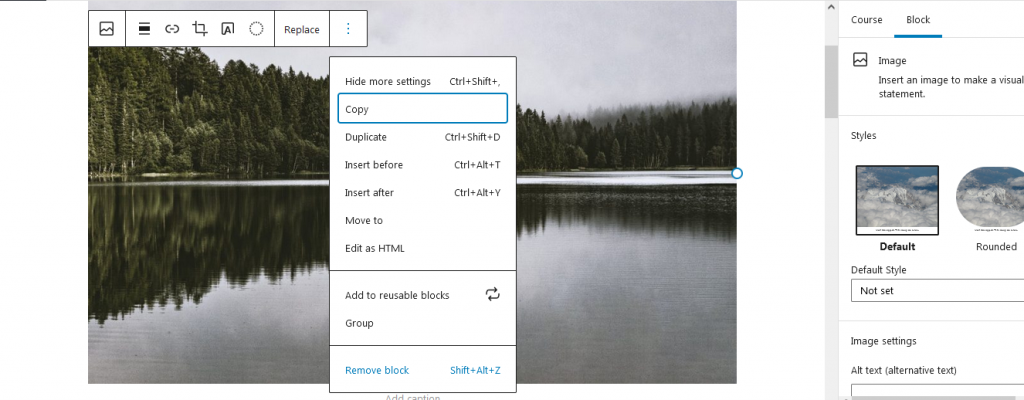
To remove an image – or another block – from a lesson, there are two ways.
- Highlight the block with the mouse pointer and then press “Remove” on your keyboard.
- Open the options menu for the selected block and select the “Remove Block” option.
 Note: If you accidentally do something you did not intend to do (e.g. remove an image from the lesson), you can use the CTRL+Z key combination to undo the last thing you did.